
Prompter
A teleprompter for Mac. Record a take, hear it back, go again.
macOS 15 or later, Apple Silicon. Drag Prompter into Applications. Not for Windows.
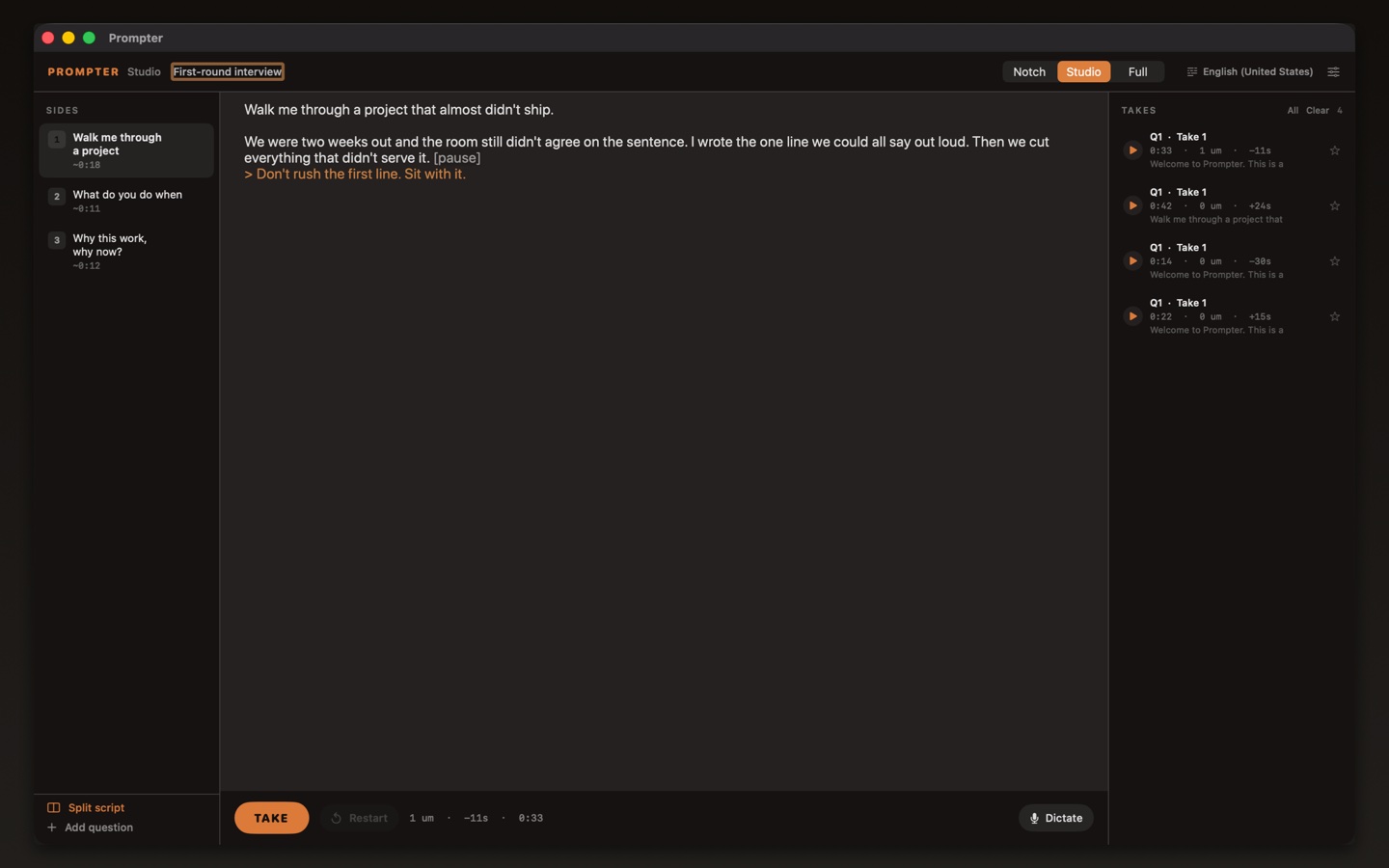
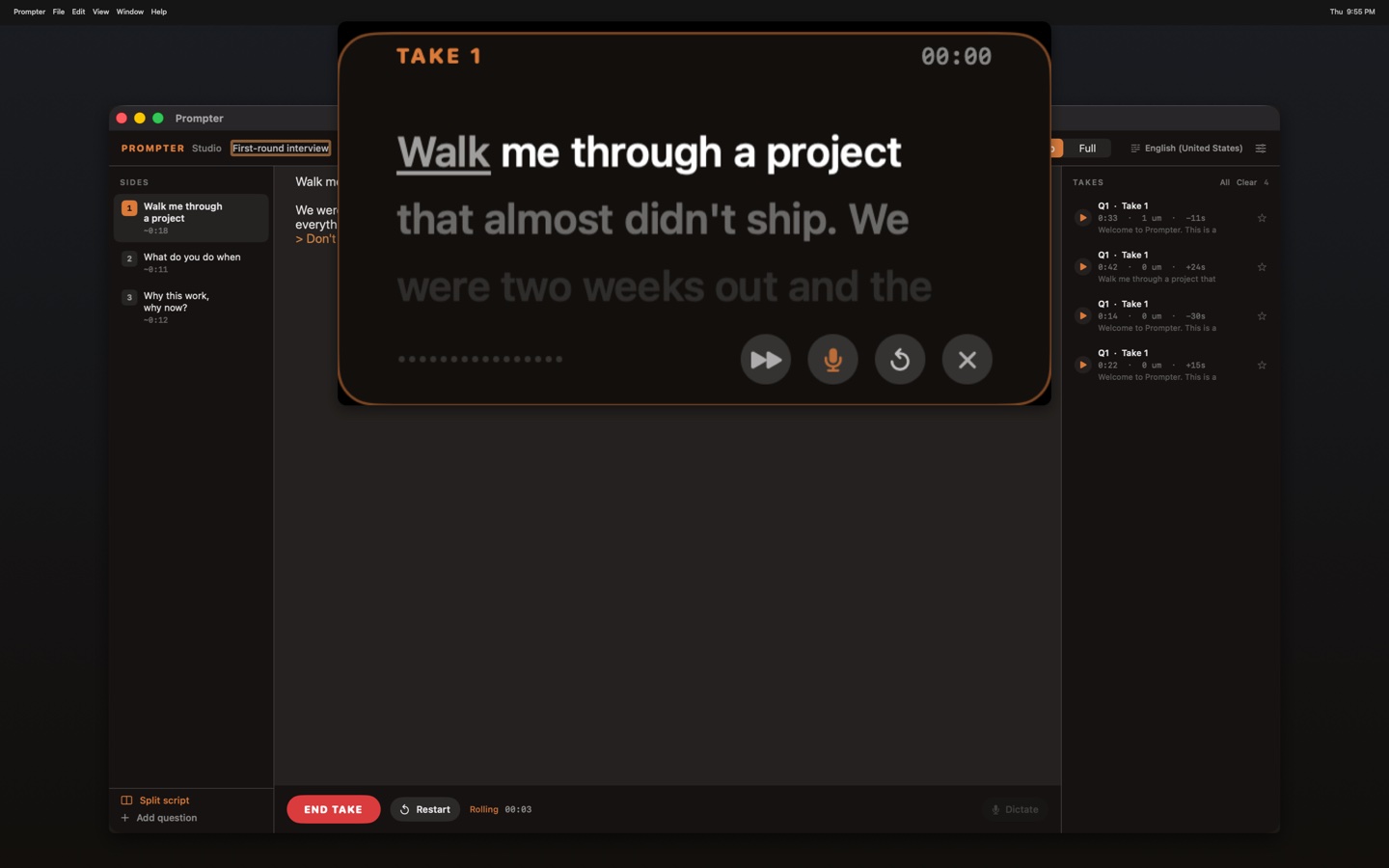
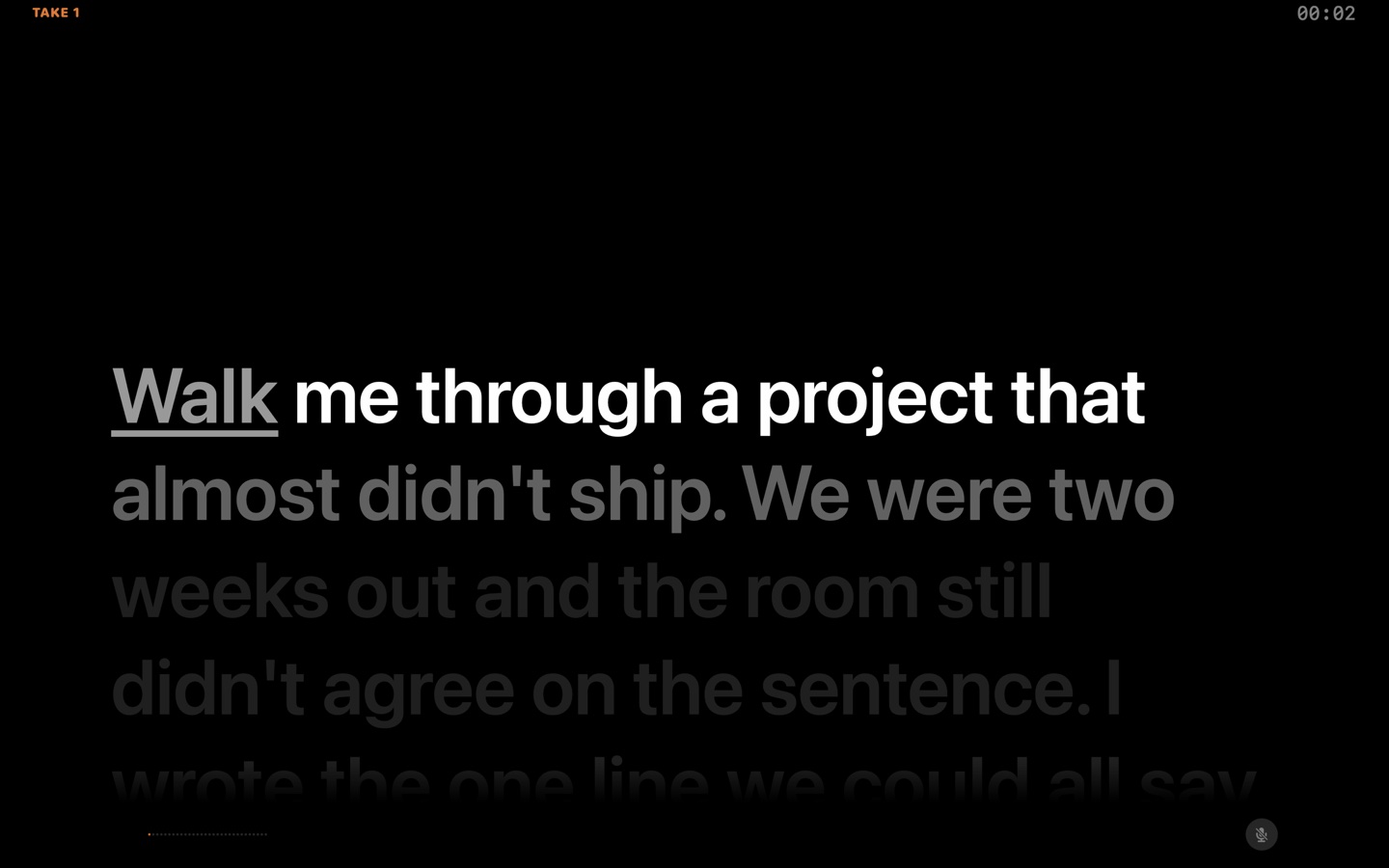
Read in a studio window next to the camera, from the notch, or fullscreen. The desk stays on screen: questions on the left, script in the middle, takes on the right. Paste a script, count in, read it, then listen on this Mac. Scripts and audio stay on the computer.
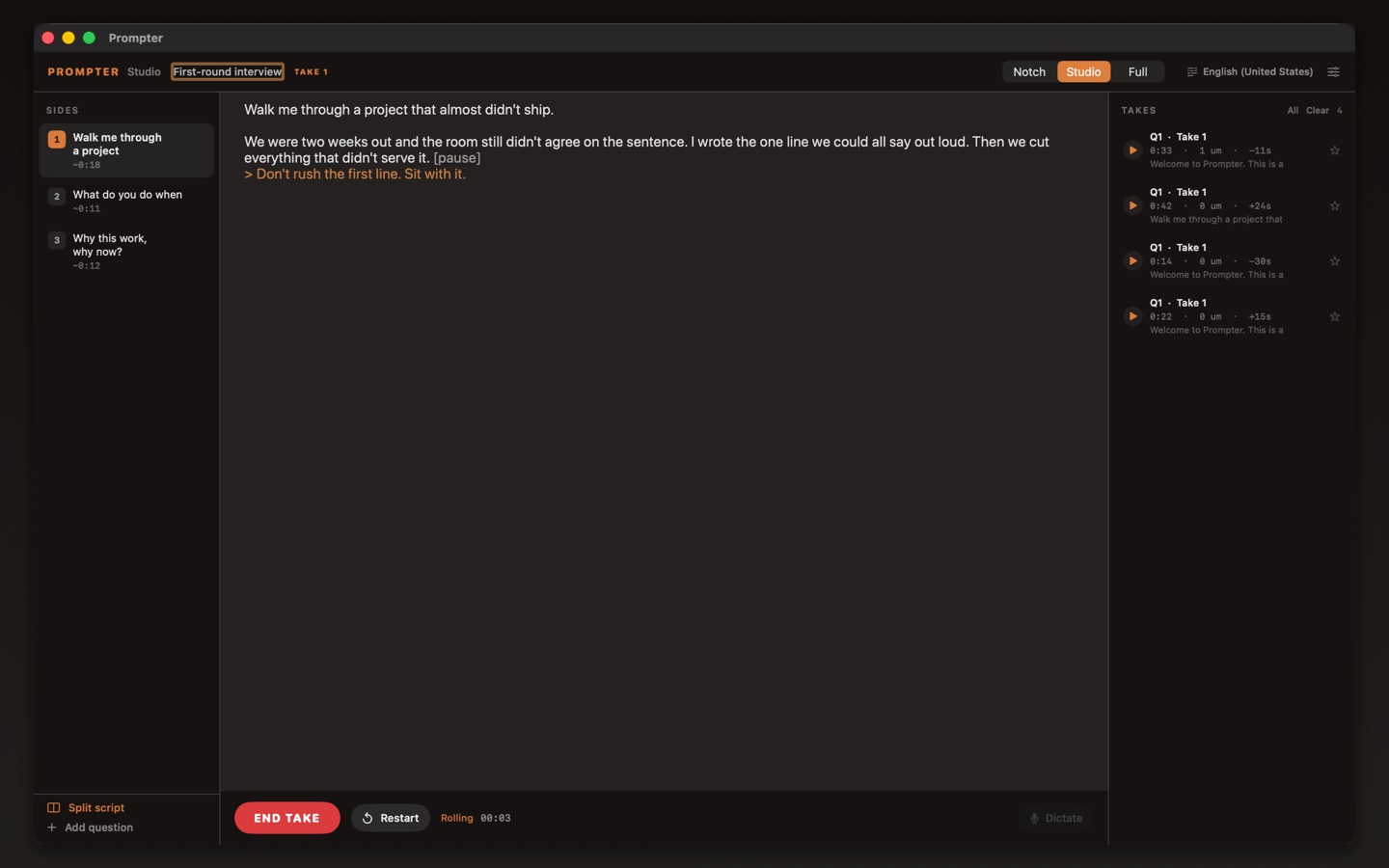
On this Mac
- Teleprompter in a studio window, on the notch, or fullscreen
- Follow Voice highlights as you speak
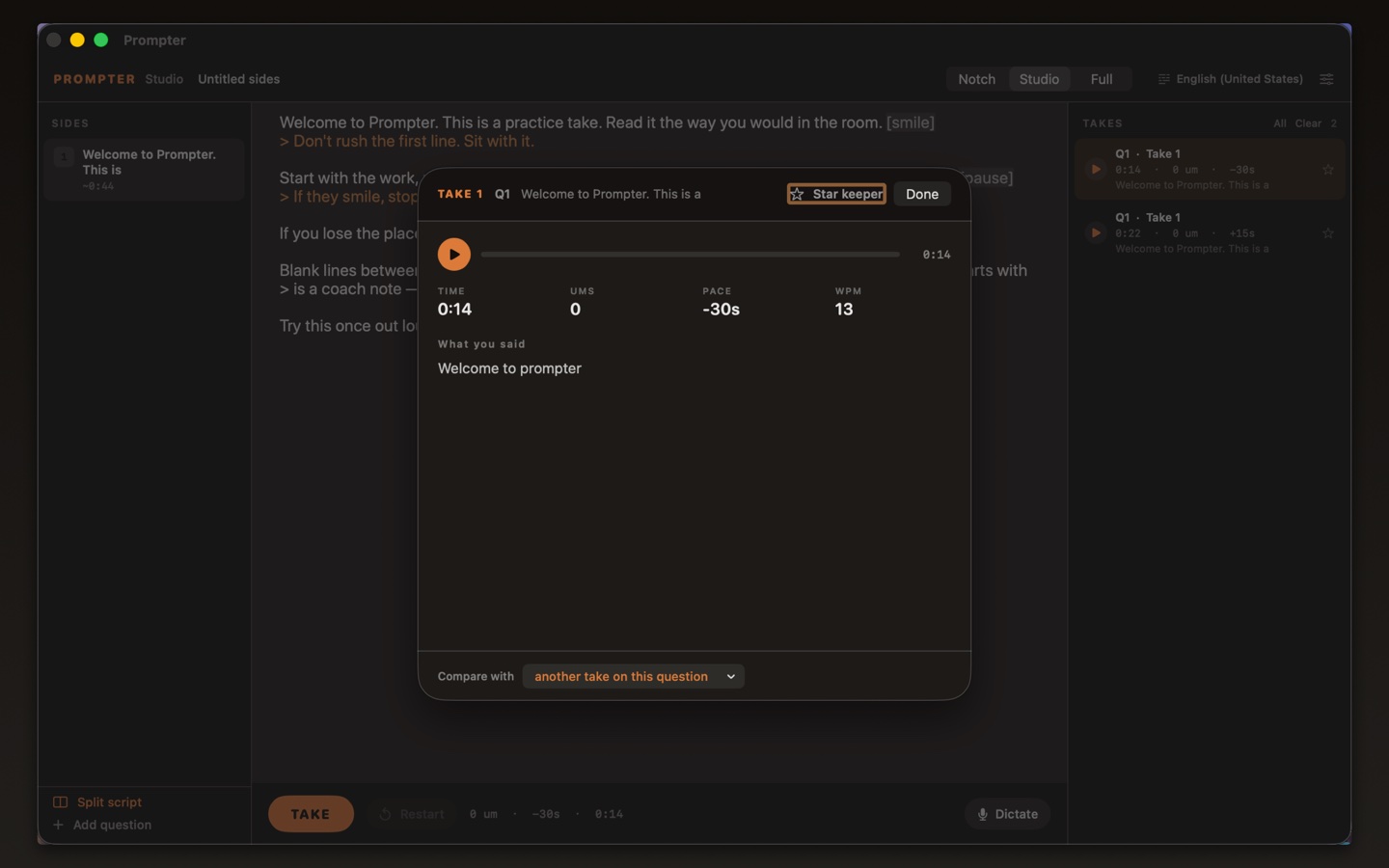
- Compare two takes on the same question, star a keeper
- No account, ads, or analytics